
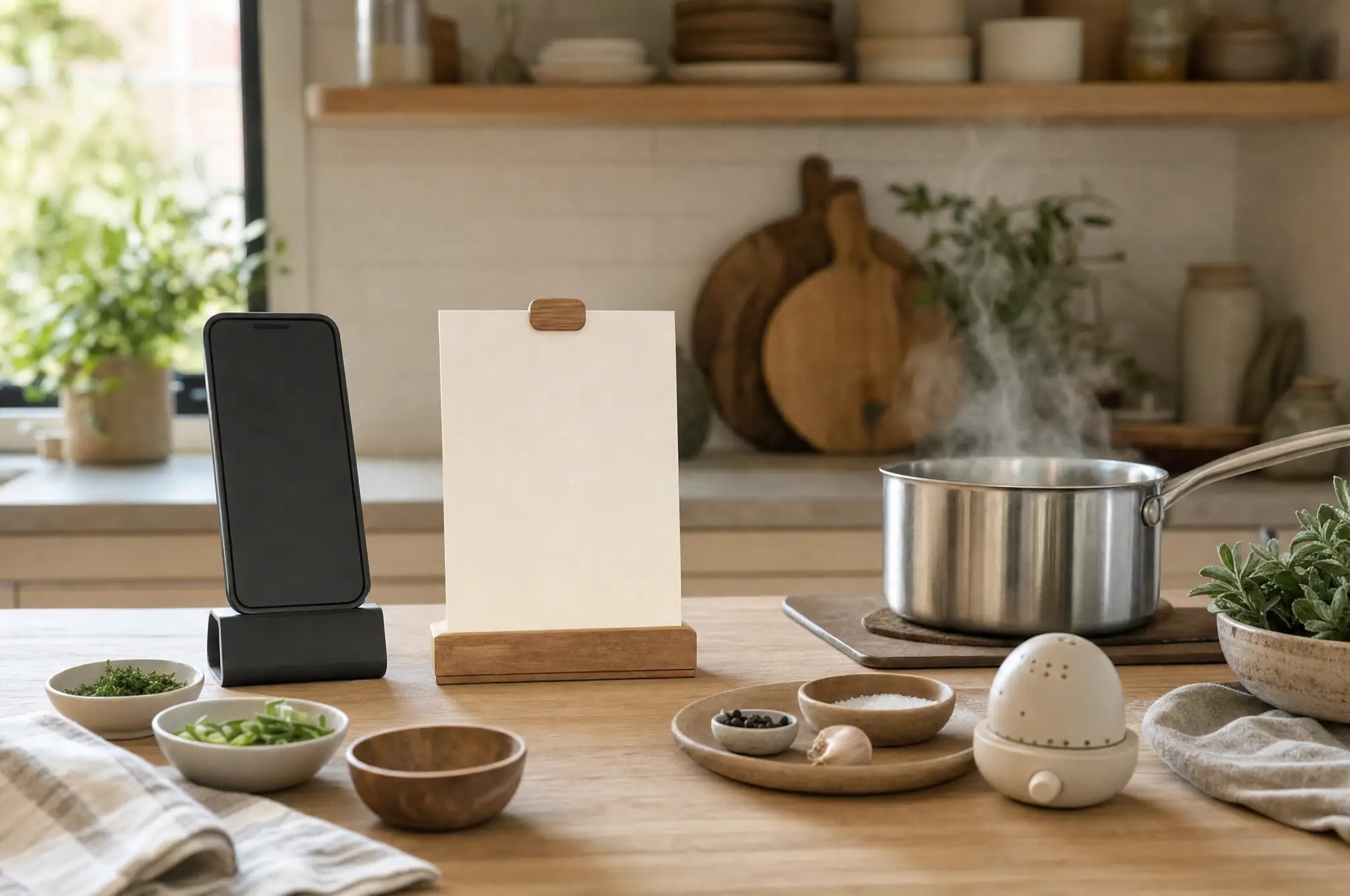
To cook from your phone without constant scrolling, do not start from a feed or long article. Review and save the recipe in a focused format, stage the ingredients, and move through explicit steps whose progress can be resumed after an interruption.
Prepare the recipe before your hands are busy
Read the entire method once. Check that every ingredient appears in a step, temperatures and timings are present, and “meanwhile” actions are understood. Expand hidden sections and resolve substitutions before turning on heat.
If the source is a web page or social video, preserve its URL but create a clean personal cooking copy when permitted. Stow & Simmer turns supported sources into editable ingredients and steps and retains the original link; review the result before cooking.
Set up a low-friction phone station
- Place the phone where steam, splashes, and raw ingredients will not reach it.
- Increase text size if the cooking view supports it.
- Prevent an inconvenient screen lock only through a trusted cooking-mode setting; do not disable device security broadly.
- Start timers before leaving a timed step.
- Keep the charger away from wet work areas.
Apple’s Guided Access can temporarily keep iPhone in one app. It may help if accidental navigation is the problem, though setup is more effort than many recipes need.
Stage ingredients in the order they are used
You do not need a television-style bowl for every ingredient. Group them by phase:
- base ingredients;
- sauce or seasoning;
- items added near the end;
- garnish.
This physical sequence reduces the number of times you return to the ingredient list. Pre-open containers and measure anything that must be added quickly.
Use step state, not screen position
A browser’s scroll position is fragile: a reload, advertisement, notification, or accidental touch can move it. A cooking view should make the current step distinct and let you move deliberately.
Stow & Simmer Cook Mode presents a recipe as cooking steps and saves progress so a session can be resumed. The original recipe remains available for context. Saved progress does not verify that a step is complete; you still decide when the food is ready to advance.
Handle parallel actions explicitly
Rewrite a crowded step when it asks you to chop, simmer, preheat, and make a sauce at once. Separate it into:
- start the longest unattended action;
- set its timer;
- complete the next preparation task;
- return at a stated cue.
The rewritten sequence is your practical edition. Keep the source attached and avoid changing temperatures or safety instructions without evidence.
If you lose your place
Stop heat-sensitive work first. Look for the last physical state you can verify—onions softened, sauce not yet added—rather than guessing from elapsed time. Re-read one step before and one after. Mark the current step only when those states align.
A good phone workflow makes interruption recoverable. It does not demand that you keep the entire recipe in working memory.
Try the workflow
Keep the source. Review the recipe. Cook from your version.
Download Stow & Simmer on the App StoreSources and further reading
- AnyList — recipe cooking view
- Reddit Cooking — workflow for cooking from a phone
- Apple Support — use Guided Access
Read how we research, draft, review, and correct guides in our editorial policy.